G4 LESSON 5 – Free Quiz Game Worksheet on Art & Creativity for 4th Grade
quiz-game: G4 LESSON 5 — play it online or print it for the classroom.
About this resource
Activity type: Quiz Game. Topic: 🎨 Art & Creativity. Subject: History. Grade level: 4th Grade. Language: English. Free to print and free to play online, with no student sign-up required.
What's in this quiz game
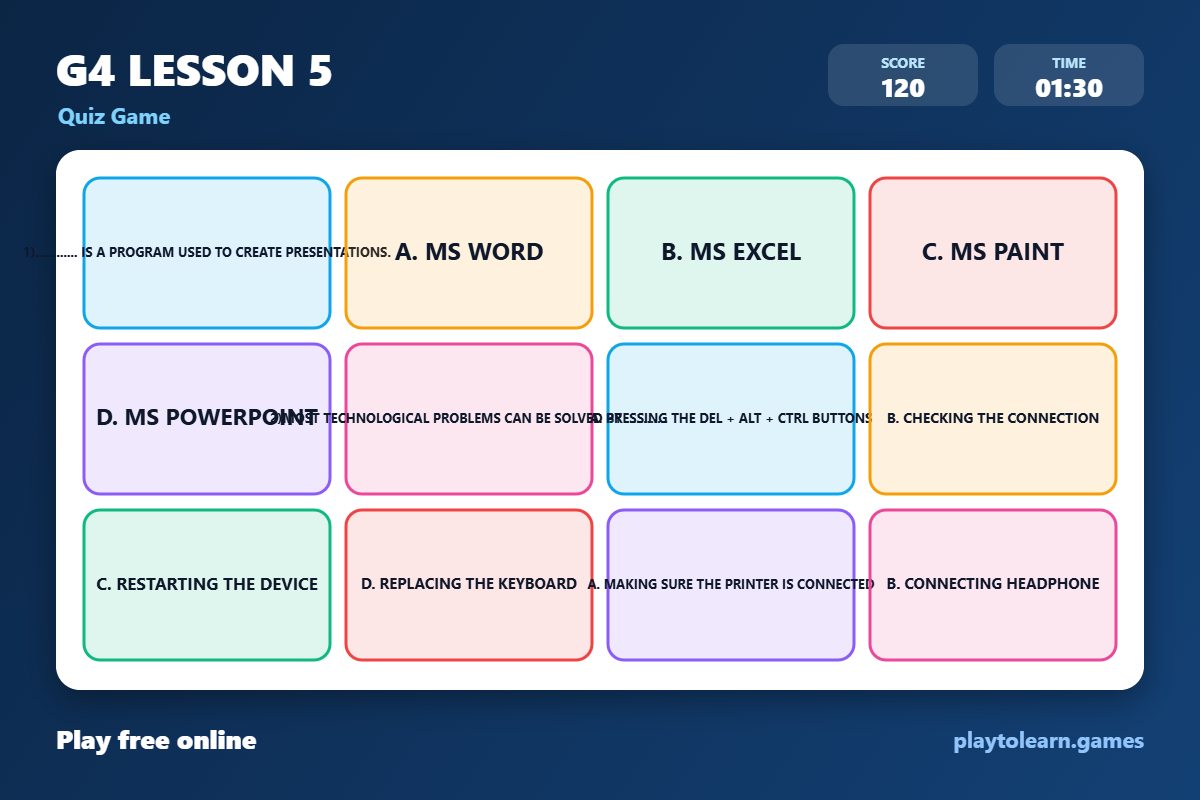
1)............ is a program used to create presentations. · a. MS Word · b. MS Excel · c. MS Paint · d. MS PowerPoint · 2)Most technological problems can be solved by ............ · a. pressing the Del + Alt + Ctrl buttons · b. checking the connection · c. restarting the device · d. replacing the keyboard · a. making sure the printer is connected · b. connecting headphone · c. changing the mouse · d. making sure the keyboard cable is connected · 4)When an application won't open, you should ............ · a. remove the mouse · b. replace the keyboard · c. check the cables · d. restart the computer · 5)You can use ............ to write school reports and homework. · a. MS PowerPoint · b. MS Word · c. MS Excel · d. a browser · 6)Press and hold the "Ctrl + Alt + Del" buttons when ............ · a. you can't find a file · b. the screen freezes · c. an app can't open · d. none of them · 7)You can look for a Microsoft Word file inside the ............ folder. · a. Documents · b. Pictures · c. Games · d. Music · 8)If you can't find a picture, search in the ............ folder. · c. Videos · d. Downloads · a. Ctrl + Alt + Del · b. Alt + Shift · c. Alt + F8
Print it or play it online
This quiz game prints as a clean worksheet with an answer key, and also runs in any browser so students can play on a laptop, tablet, or Chromebook. It is free to use and free to copy for your own class.
Make your own quiz game
Use the generator to build the same activity with your own word list, then save it to your library to reuse next year. No paid plan, no activity limit, and students never need an account.
Keywords
quiz game · play online · interactive game · online game · 🎨 Art & Creativity · History · 4th Grade · Medium · a. MS Word · b. MS Excel · c. MS Paint · d. MS PowerPoint
Frequently asked questions
Is G4 LESSON 5 free to use?
Yes. G4 LESSON 5 is completely free — there is no paid plan, no activity limit, and students never need an account to use it.
Can students play G4 LESSON 5 online?
Yes. It runs in any browser, so students can play on a laptop, tablet, Chromebook, or a classroom projector — no install and no sign-up.
What words are included in G4 LESSON 5?
It covers 1)............ is a program used to create presentations., a. MS Word, b. MS Excel, c. MS Paint, d. MS PowerPoint, 2)Most technological problems can be solved by ............, a. pressing the Del + Alt + Ctrl buttons, b. checking the connection, c. restarting the device, d. replacing the keyboard, a. making sure the printer is connected, b. connecting headphone, c. changing the mouse, d. making sure the keyboard cable is connected, 4)When an application won't open, you should ............, and more.